List of Functions: Difference between revisions
Jump to navigation
Jump to search
No edit summary |
No edit summary |
||
| Line 1: | Line 1: | ||
Functions can be | Functions are blocks of commands that can be executed as a single unit, often triggered by user actions or events. They allow for complex operations and customizations by grouping multiple actions together. Fvwm functions are defined using the AddToFunc command. This command creates a function and adds actions to it. Functions can be triggered by various events, such as key presses, mouse clicks, or even when windows are created or destroyed.<br> | ||
Read more: https://www.fvwm.org/Wiki/Config/Functions/ | |||
==Startup== | ==Startup== | ||
Latest revision as of 19:16, 11 July 2025
Functions are blocks of commands that can be executed as a single unit, often triggered by user actions or events. They allow for complex operations and customizations by grouping multiple actions together. Fvwm functions are defined using the AddToFunc command. This command creates a function and adds actions to it. Functions can be triggered by various events, such as key presses, mouse clicks, or even when windows are created or destroyed.
Read more: https://www.fvwm.org/Wiki/Config/Functions/
Startup
| Code | Description |
|---|---|
 ## FILE 1:..→ | |
|
|
Action
| Code | Description |
|---|---|
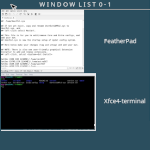 | |
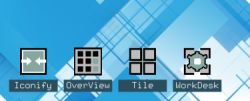 | |
 | |
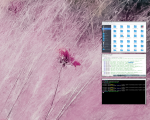 Needs ImageMagick and ..→ | |
 | |
 |